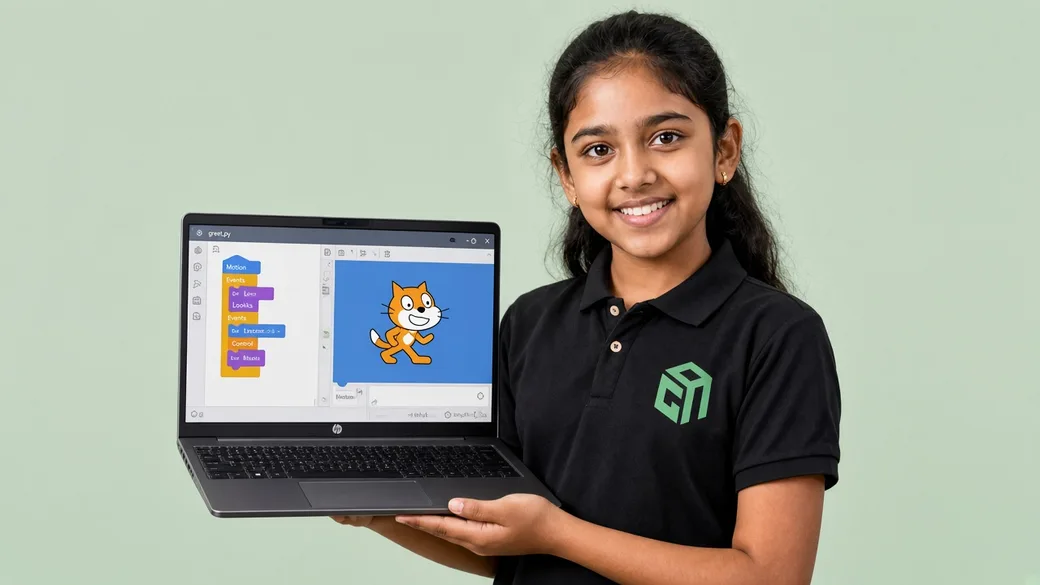
My First Interactive Story
A character moves around a scene, talks with say/think bubbles, switches costumes, and reacts when the player clicks or presses a key — first Motion, Looks, and Events.
Student work
These are sample builds from live courses — not stock screenshots of someone else's camp. Each card links to the course that teaches it.
A character moves around a scene, talks with say/think bubbles, switches costumes, and reacts when the player clicks or presses a key — first Motion, Looks, and Events.
A chase game with keyboard controls and costume animation, then a maze where touching walls or colours triggers if/if-else decisions — sensing and operators in action.

Falling-fruit scoring with timers and lives, a spaceship shooter with broadcasts and level changes, then a multi-level adventure game students test, debug, and present.
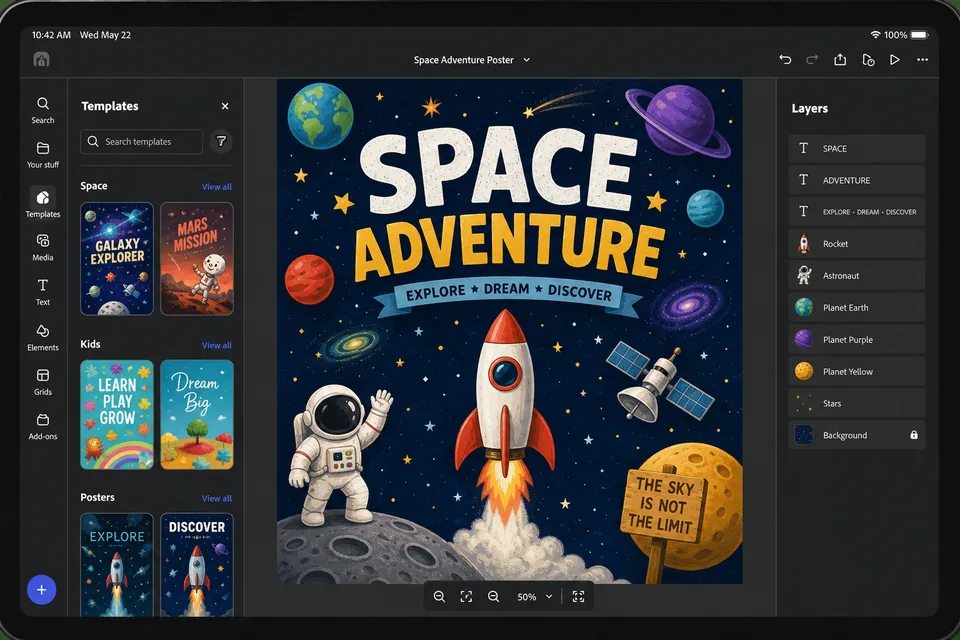
Students use prompts to generate themed poster sets or comic panels, learning safe AI habits and creative refinement with mentor feedback.
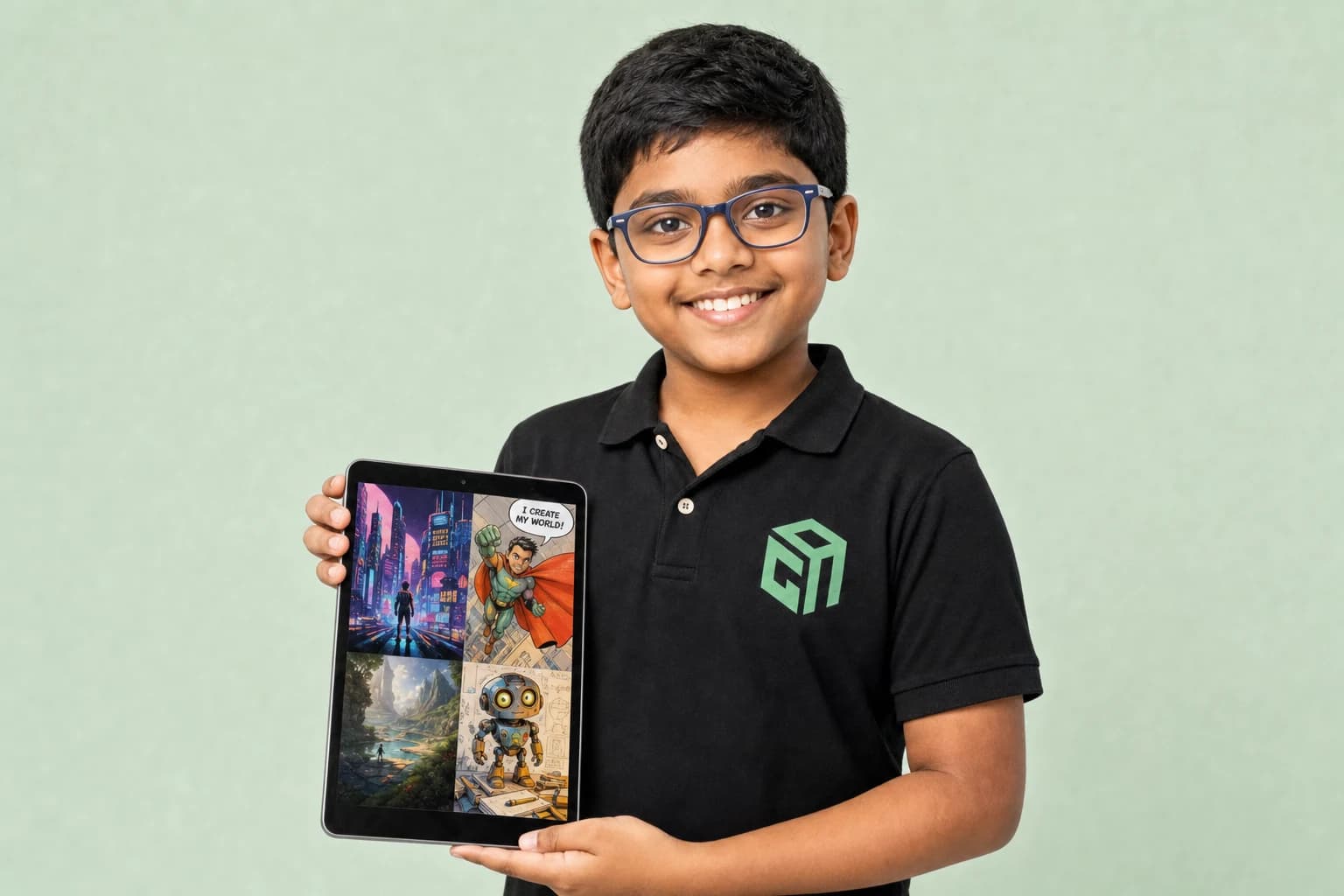
A short scripted story or explainer video combining AI-assisted writing, visuals, and presentation skills.
A simple interactive page or game built with mentor-guided AI tools — culminating in the Fun Fair showcase.
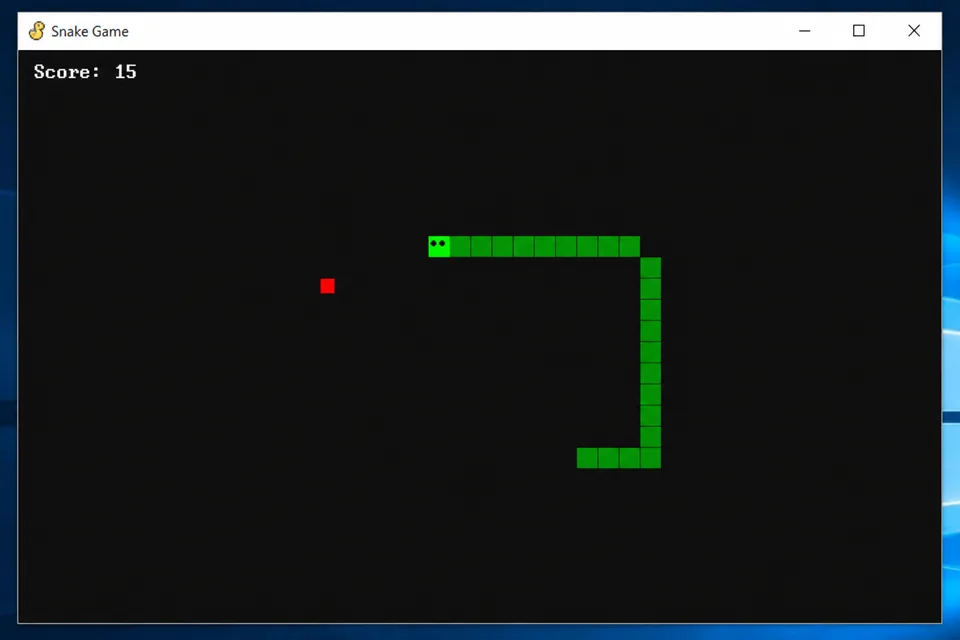
Classic arcade game with player movement, scoring, and collision detection — students learn loops, sprites, and game logic in Python.
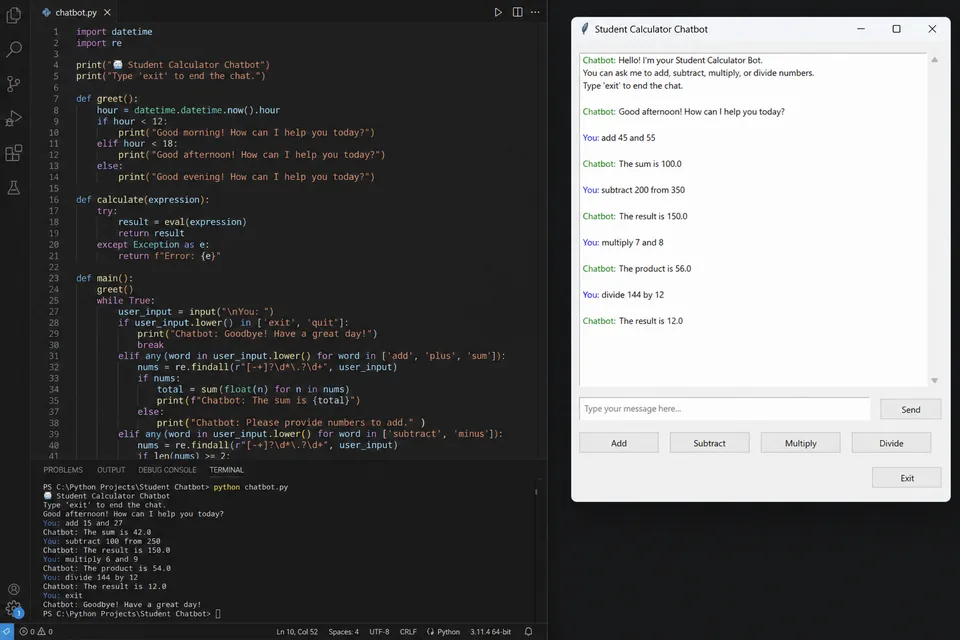
A command-line calculator plus a rule-based chatbot that responds to user input — covering functions, conditionals, and string handling.

An age-appropriate voice or text assistant project where students connect Python logic to AI tools — a capstone wow-factor build in Module 7.
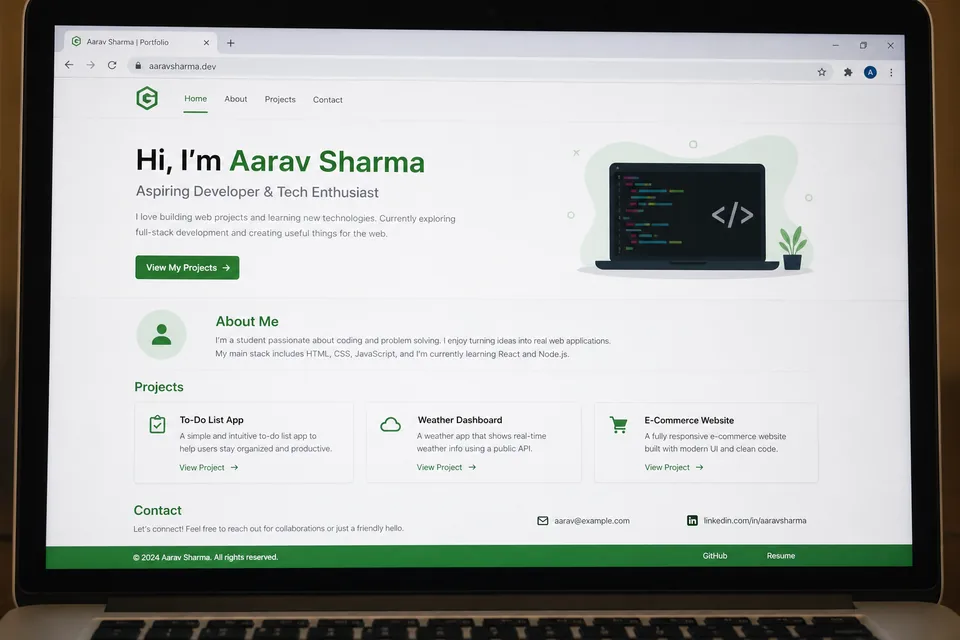
Students design and publish a multi-page portfolio with an about section, project gallery, and contact form — their first site live on the web.
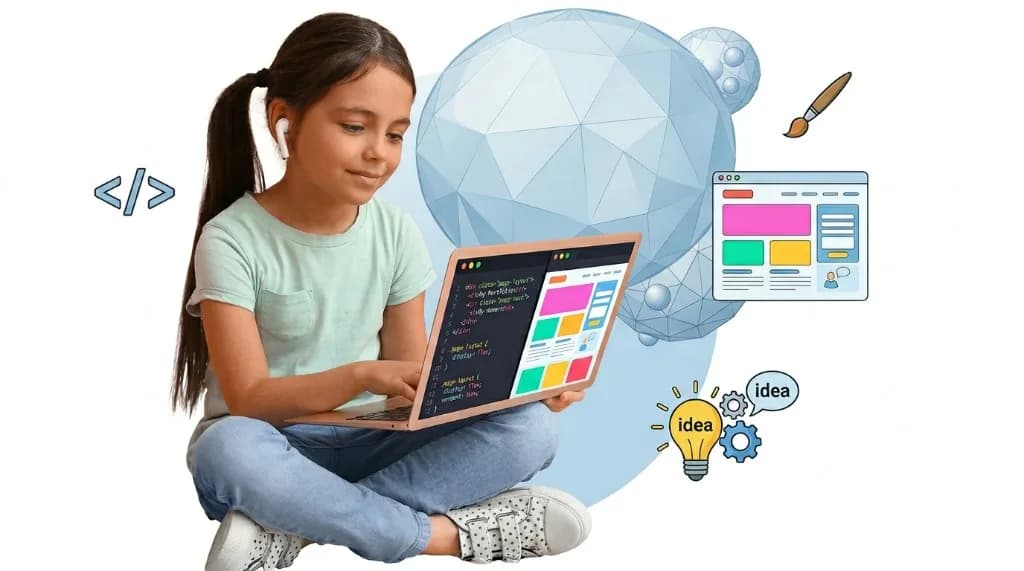
A themed trivia or math quiz with score tracking, instant feedback, and custom styling — teaching DOM events and JavaScript logic.
A product or hobby landing page with hero banner, feature cards, and a call-to-action button — built with flexbox and responsive CSS.
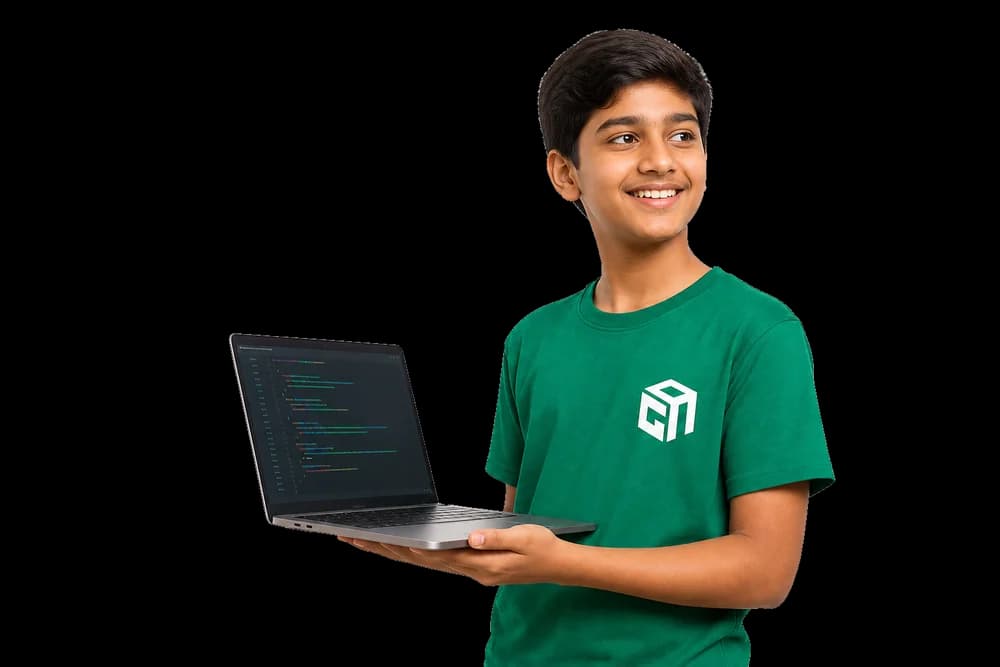
Short Java programs that ask questions, check answers, and keep a score — first variables, input, and if / else.
A turn-based or guess-the-number game that uses loops, a score, and methods so the code stays readable.
A quiz, utility, or game the student plans, builds in stages, tests, and demos at the end of the 30 sessions.
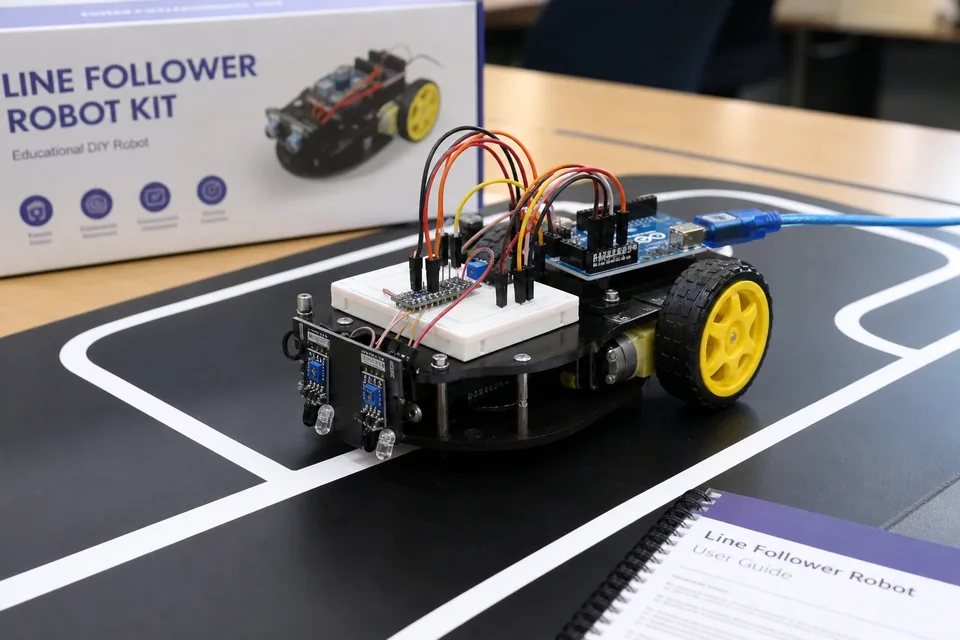
Phase 3 project: IR sensors plus motors controlled by code so the bot stays on track — hardware and coding working together with live debugging.
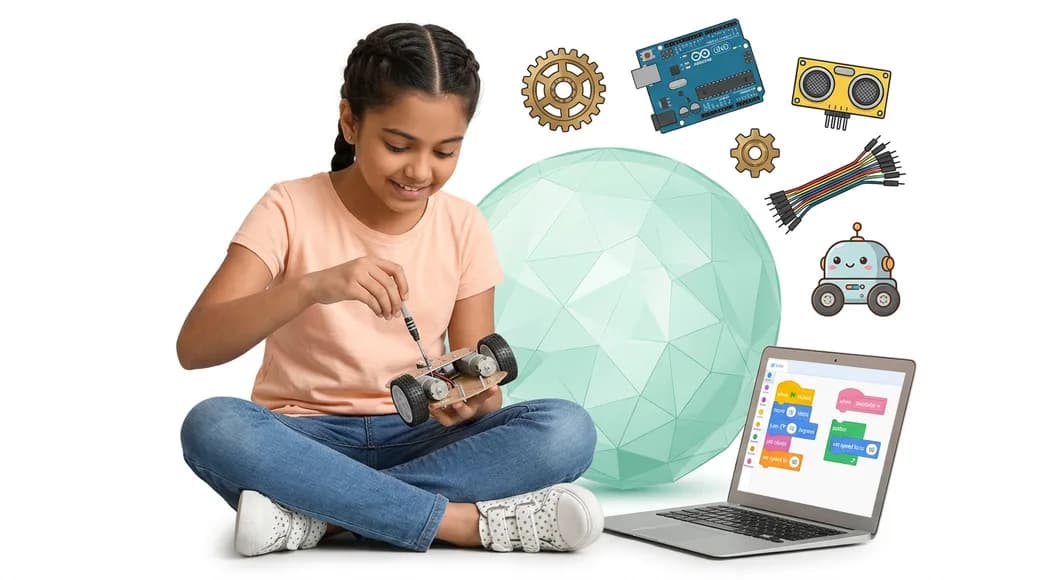
Distance sensing triggers stop/turn behaviour — students combine wiring from Phase 1 with coding logic from Phase 2.
A light-sensor circuit driven by beginner code — an early Phase 3 build that proves hardware + coding = a working project.
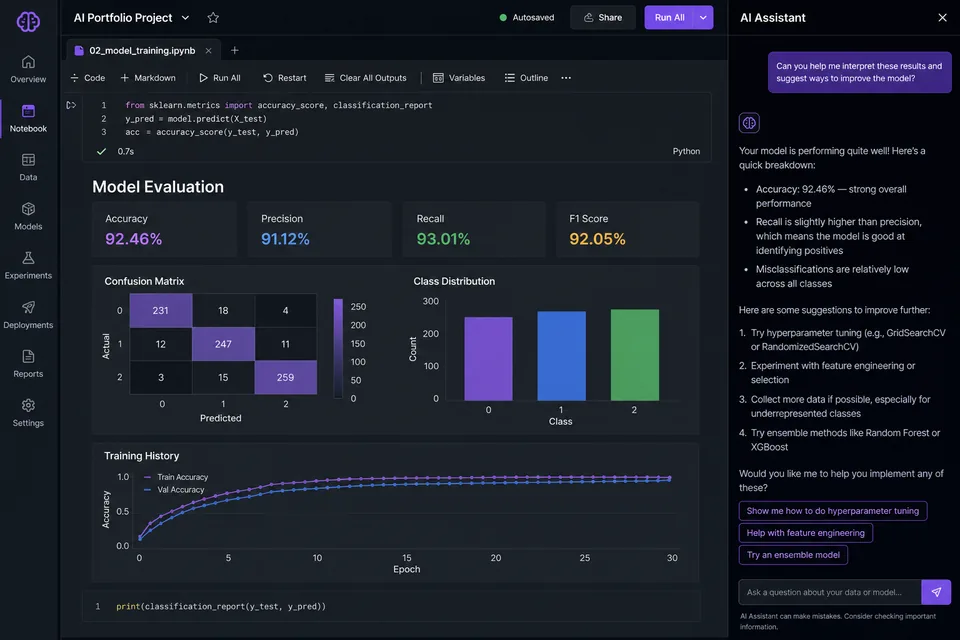
Students work with NumPy/pandas datasets, train a classifier or regressor, and evaluate accuracy — foundational ML engineering practice.
A Python app that calls an LLM API with structured prompts, tool use, or chained steps — mirroring how real AI products are built.
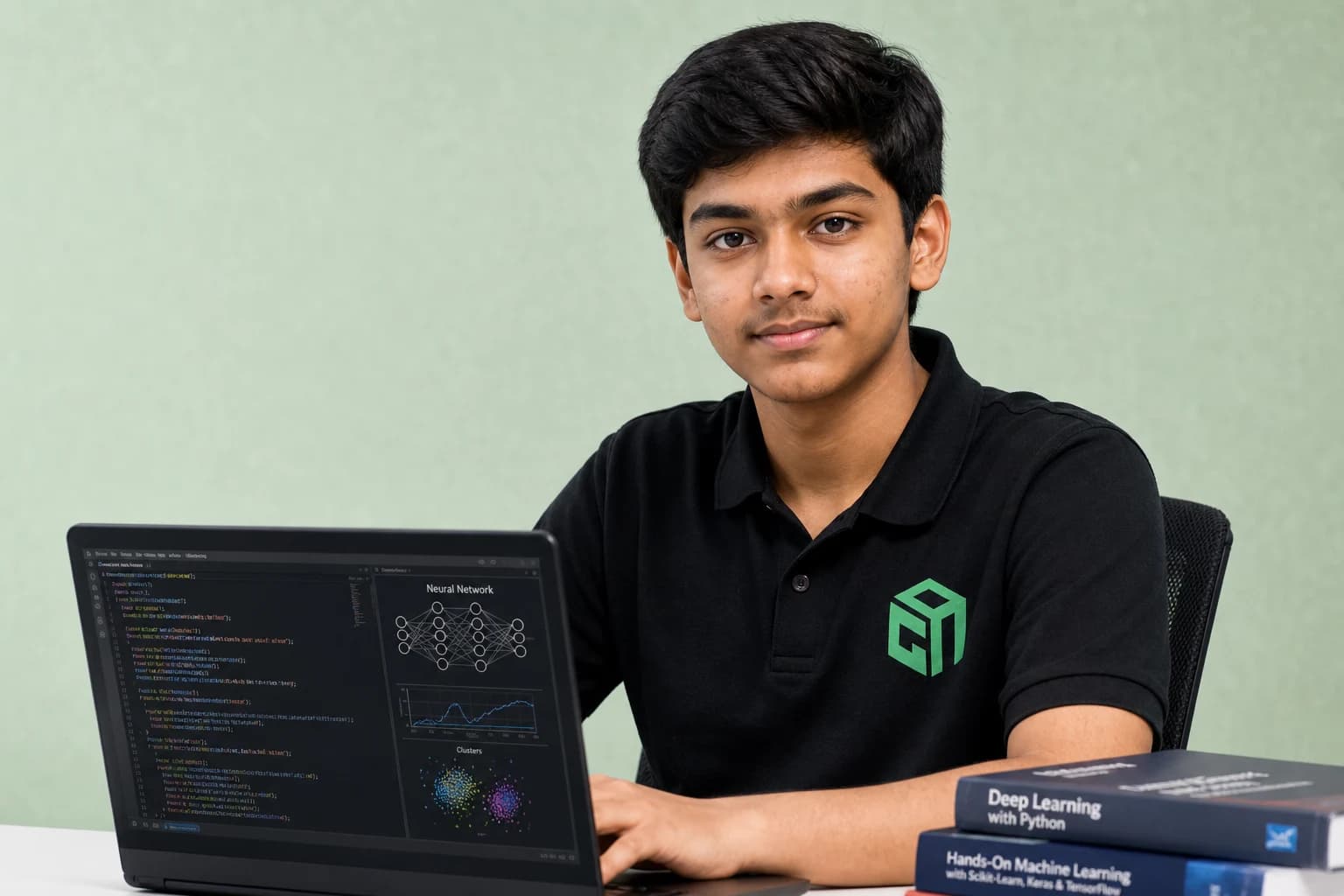
Image classification, sentiment analysis, or speech-related project polished for a portfolio demo and mentor review.

A half-finished game, website, robot, or school assignment. The mentor picks up from where they are and helps them finish a version they can show.
They have an idea and no plan yet. The first sessions turn it into steps, then the rest of the 10 sessions are spent building it.
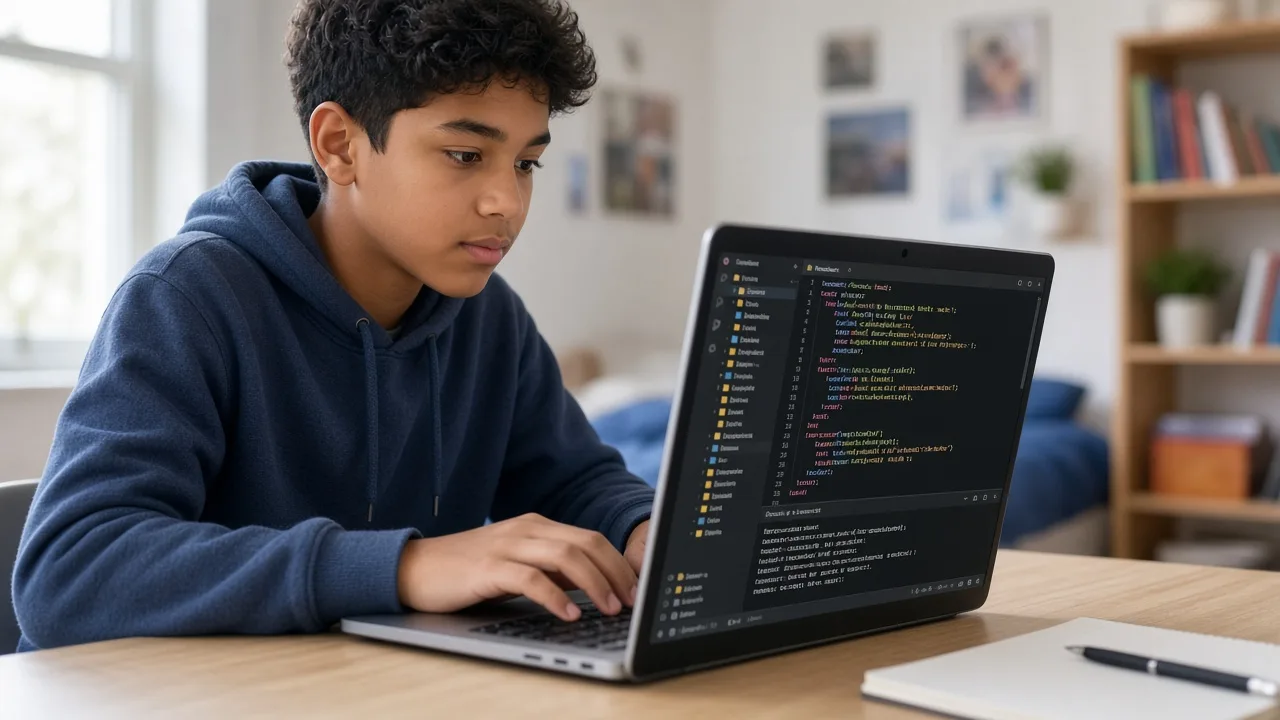
The last sessions polish the work and prepare a short demo — what it does, what they built, and what they would do next.
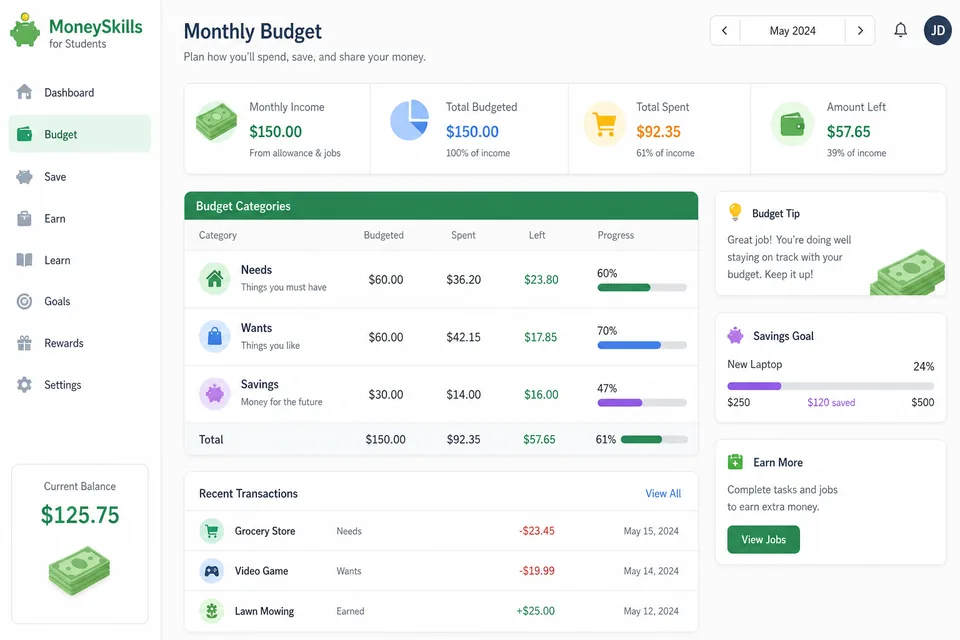
Students build a simple monthly budget separating needs, wants, and savings — applied to pocket money or allowance scenarios.
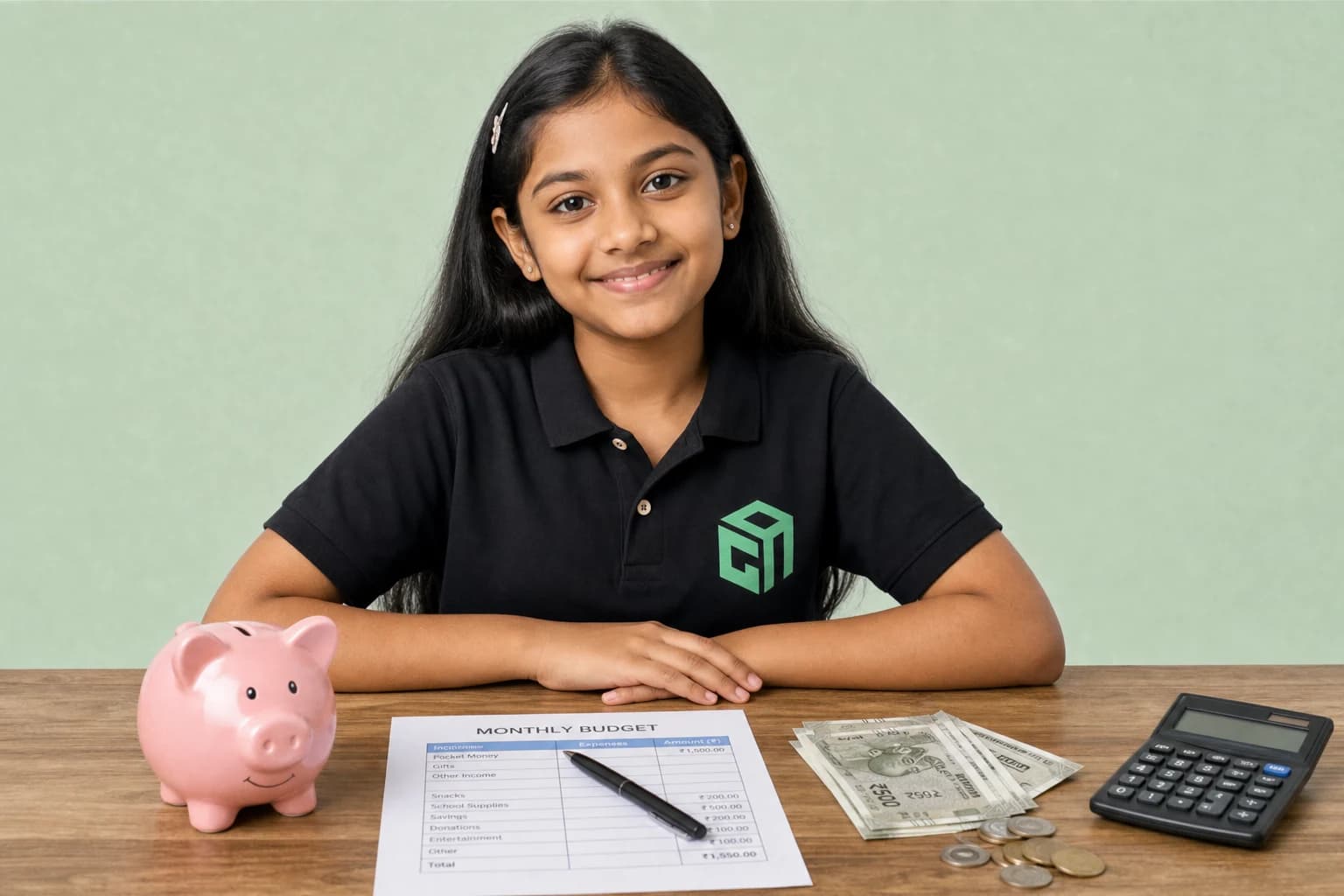
A live classroom activity comparing prices, avoiding impulse buys, and choosing the best value — smart spending in practice.
A multi-week savings tracker plus final quiz covering banking, digital safety, and responsible money habits.

Students interview real users, document pain points, and build a paper or digital MVP to test their solution hypothesis.
A one-page business model, simple brand name/logo direction, and cost sheet — teaching pricing and positioning.
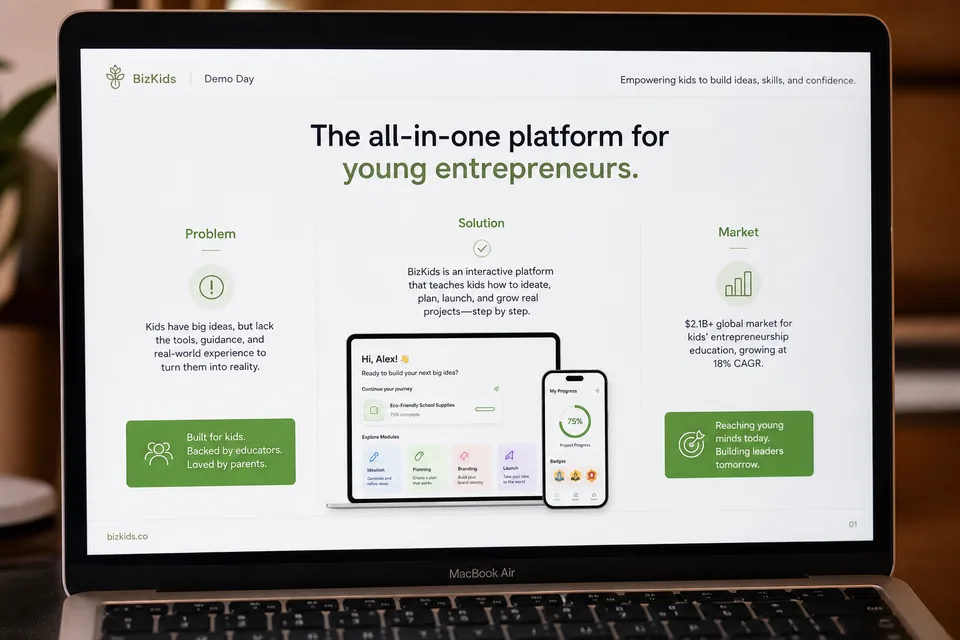
A 5–8 slide pitch covering problem, solution, market, and ask — presented live to mentors on Demo Day.