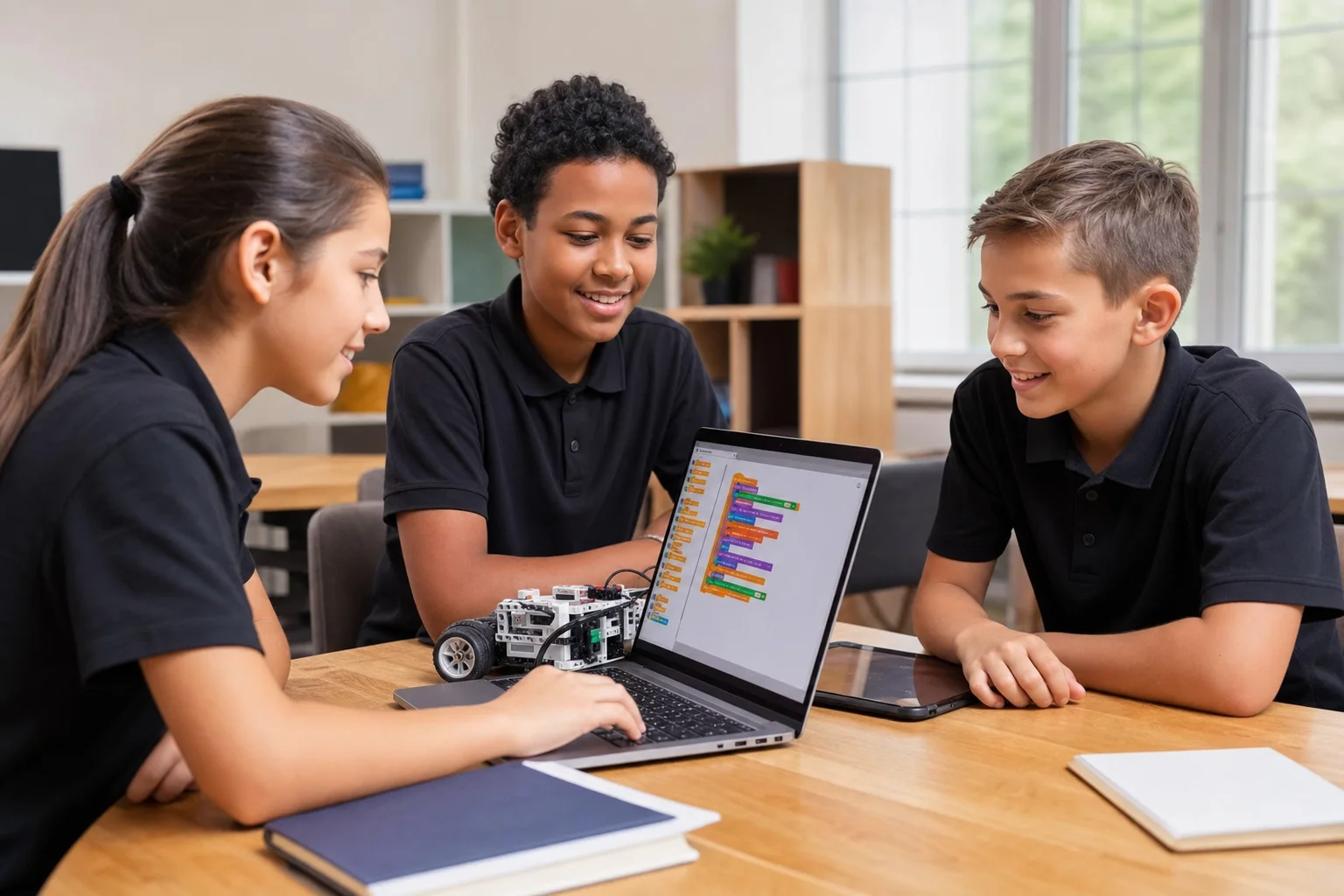
The best coding language for kids in 2026 depends on age and learning goal: Scratch is best for ages 7-10, Python is best for class 6 students and teenagers, JavaScript is best for students who want to build websites, and robotics kits are best for kids who learn by making physical projects.
If your child is new to coding, start with visual logic and simple projects before moving to typed programming. For most school students, the strongest path is Scratch for fundamentals, Python for problem solving and AI, JavaScript for web development, and robotics for hands-on electronics.
Parents searching for coding classes for class 6 students, Python for teenagers, AI courses for school students, or the best robotics kits for kids should look for a curriculum that teaches concepts through projects instead of only syntax.
Why Coding Matters for Kids
Coding helps children develop logical thinking, creativity, problem solving, and confidence with technology. It also teaches patience because students learn how to debug mistakes, improve an idea, and explain how their solution works.
In 2026, coding is also connected with AI, robotics, data, games, websites, and automation. A child does not need to become a software engineer to benefit from coding; the skill helps them understand how modern tools are built and how to use technology responsibly.
Python vs Scratch vs JavaScript
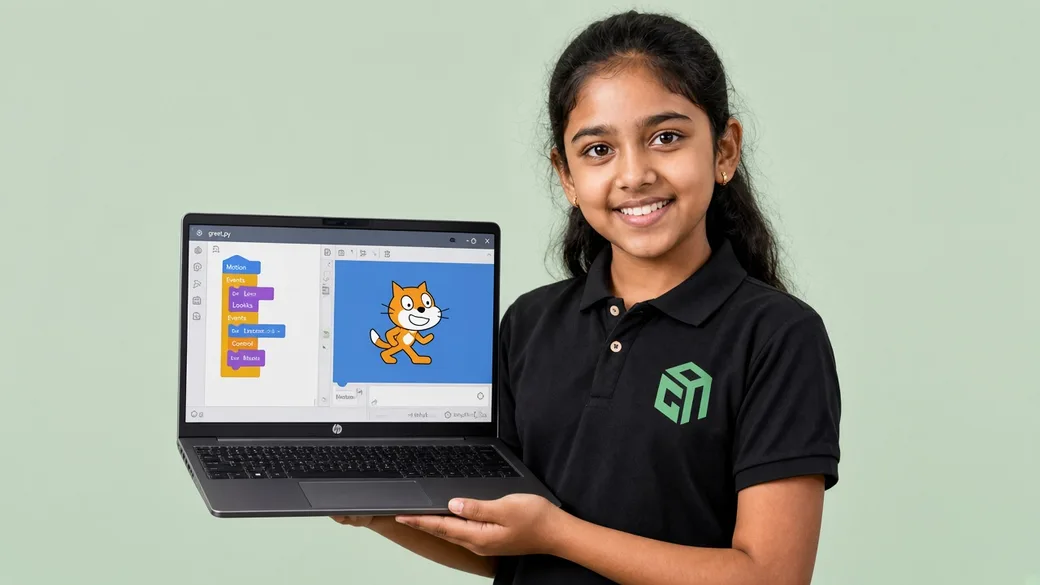
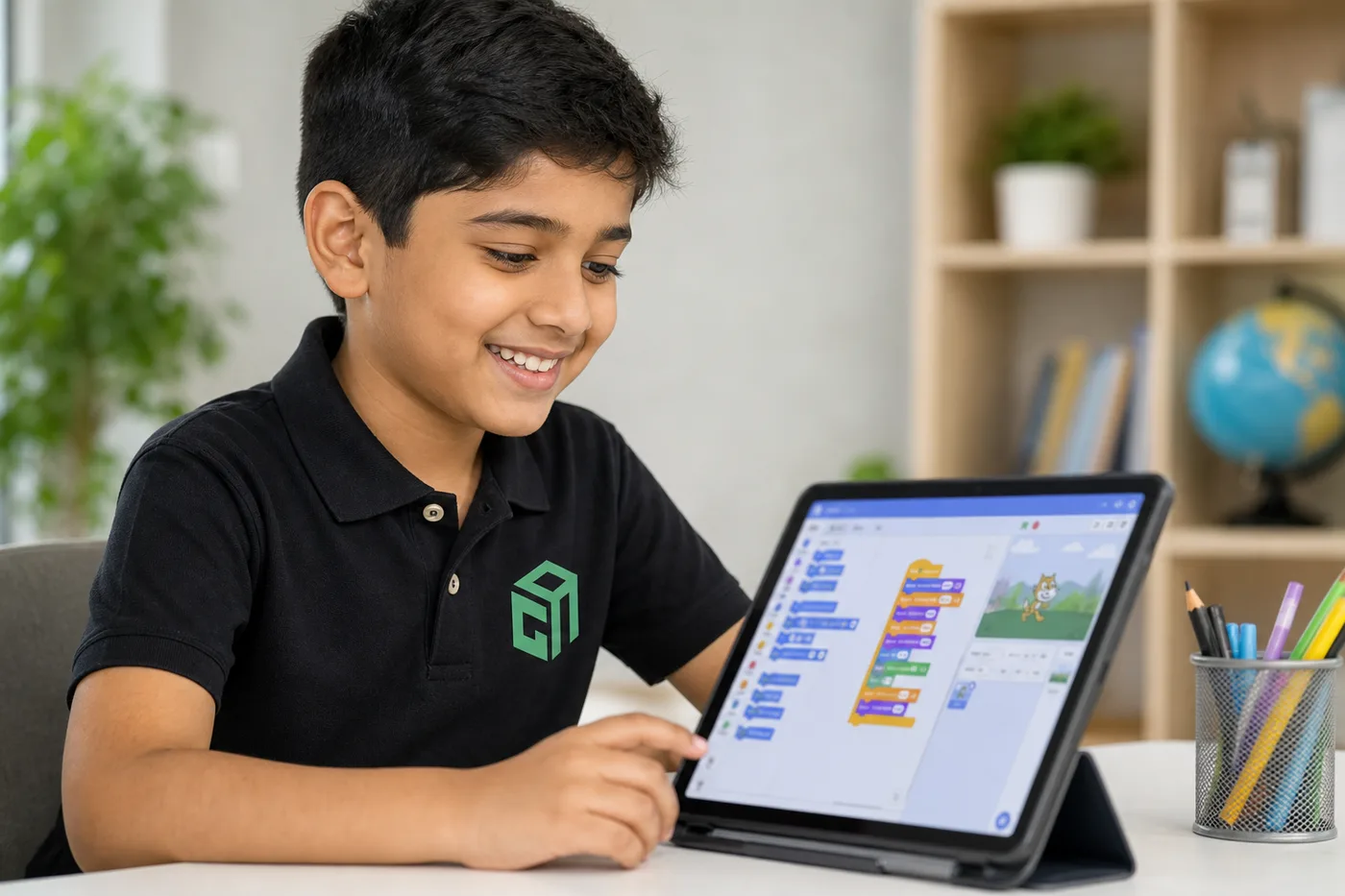
- Scratch: Best for young beginners because students can drag blocks, understand sequencing, loops, events, and conditions, and create games without typing errors.
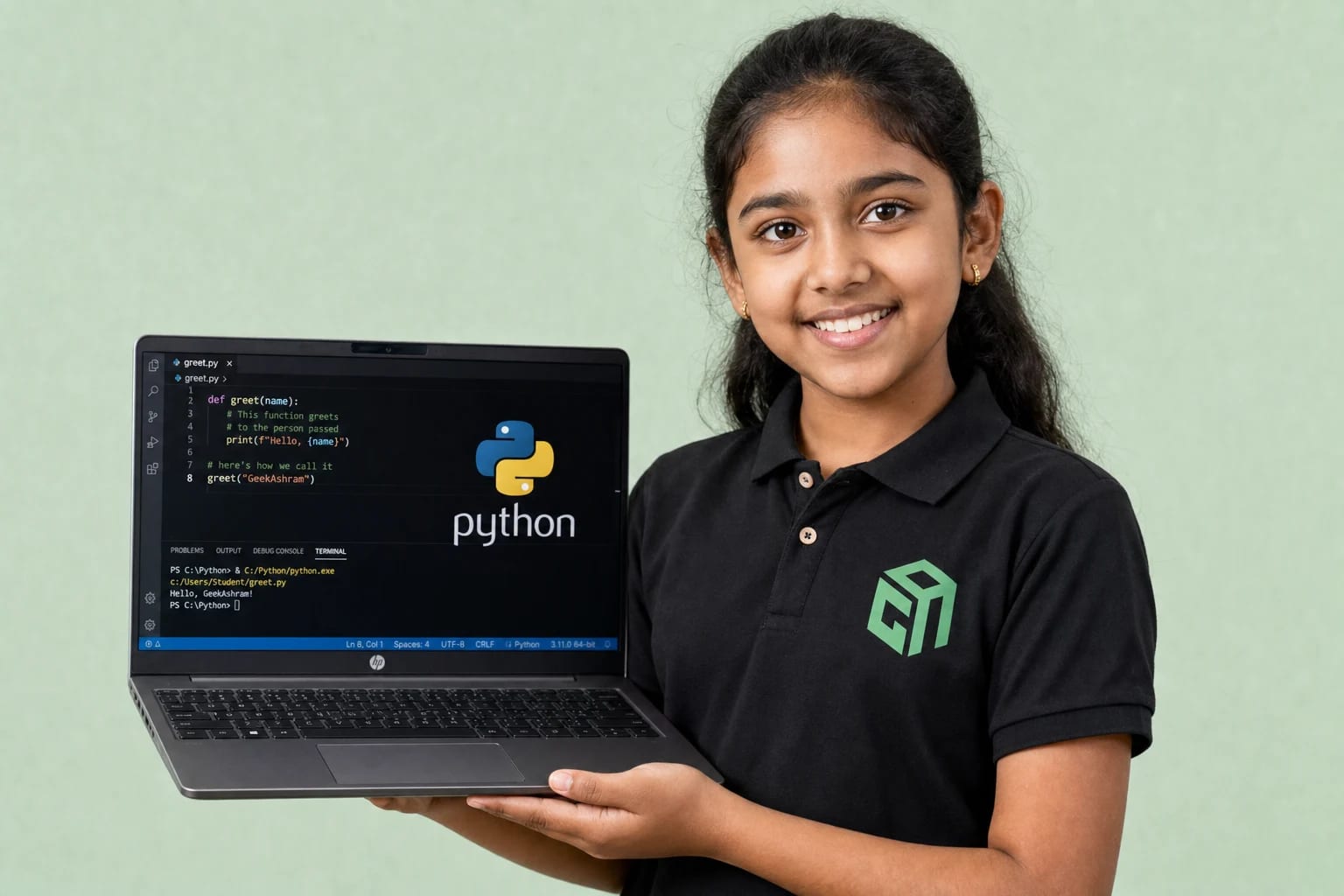
- Python: Best for class 6 students, teenagers, AI basics, math logic, automation, and problem solving because the syntax is readable and widely used.
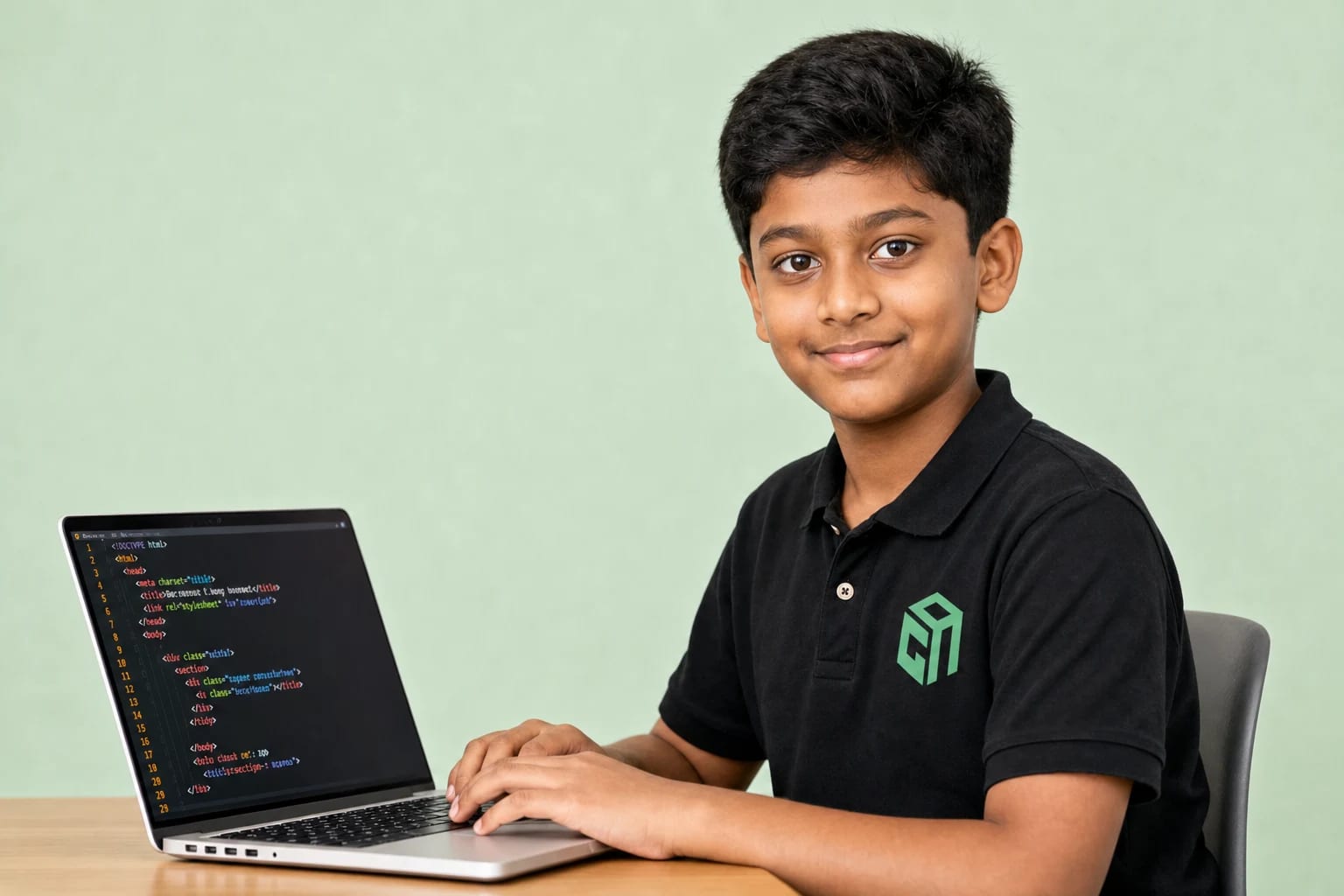
- JavaScript: Best for students interested in websites, apps, and interactive projects because it runs directly in the browser and gives quick visual feedback.
- Robotics with Arduino or similar kits: Best for hands-on learners because students connect code with sensors, motors, LEDs, buzzers, and real-world outcomes.
Scratch builds the foundation, Python deepens thinking, JavaScript makes projects visible on the web, and robotics shows children that code can control the physical world.
Best Age for Each Language
- Ages 7-10: Start with Scratch, storytelling, animations, simple games, and basic robotics activities.
- Ages 10-12: Introduce Python basics, block-to-text coding transitions, simple electronics, and logic-based projects.
- Ages 12-15: Teach Python, JavaScript, web development, AI concepts, robotics projects, and structured problem solving.
- Ages 15+: Move into deeper Python, web apps, APIs, machine learning basics, startup-style projects, and portfolio development.
Should Kids Learn AI?
Yes, kids should learn AI, but they should learn it at the right depth. Younger students can learn what AI is, where it is used, and how to use it safely. Older students can explore prompts, datasets, image recognition, chatbots, simple machine learning models, and responsible AI habits.
A good AI course for school students should not skip coding fundamentals. Students understand AI better when they already know variables, conditions, loops, functions, data, and project planning.
Curriculum Insights for Parents
- Start with concepts: sequencing, loops, conditions, variables, functions, and debugging.
- Move into projects: games, calculators, quizzes, websites, chatbots, and robotics circuits.
- Add AI gradually: prompts, data, pattern recognition, model behavior, and ethical use.
- Include presentation: children should explain what they built, what failed, and how they improved it.
- Build a portfolio: each course level should produce visible projects that parents and students can review.
Examples of Good Beginner Projects
- Scratch: A maze game, quiz game, animated story, or simple platform game.
- Python: Number guessing game, calculator, chatbot, weather app, or text-based adventure.
- JavaScript: Personal website, interactive quiz, animation, or to-do list.
- Robotics: LED blink circuit, buzzer project, line-following robot, obstacle detector, or sensor-based alarm.
- AI: Prompt comparison activity, image classification demo, simple chatbot, or data sorting project.
Mistakes Parents Make
- Choosing a language only because it sounds advanced instead of matching it to the child's age.
- Starting with difficult syntax before the child understands basic logic.
- Expecting fast results without giving time for debugging and practice.
- Selecting courses that only show videos and do not include hands-on projects.
- Ignoring the child's interest in games, art, robotics, AI, or websites when choosing a course path.
Conclusion
For most children, the best coding journey is not one language forever. Start with the tool that matches the child's age, then build toward Python, JavaScript, AI, and robotics through projects. This helps students learn coding as a creative skill, not just a technical subject.