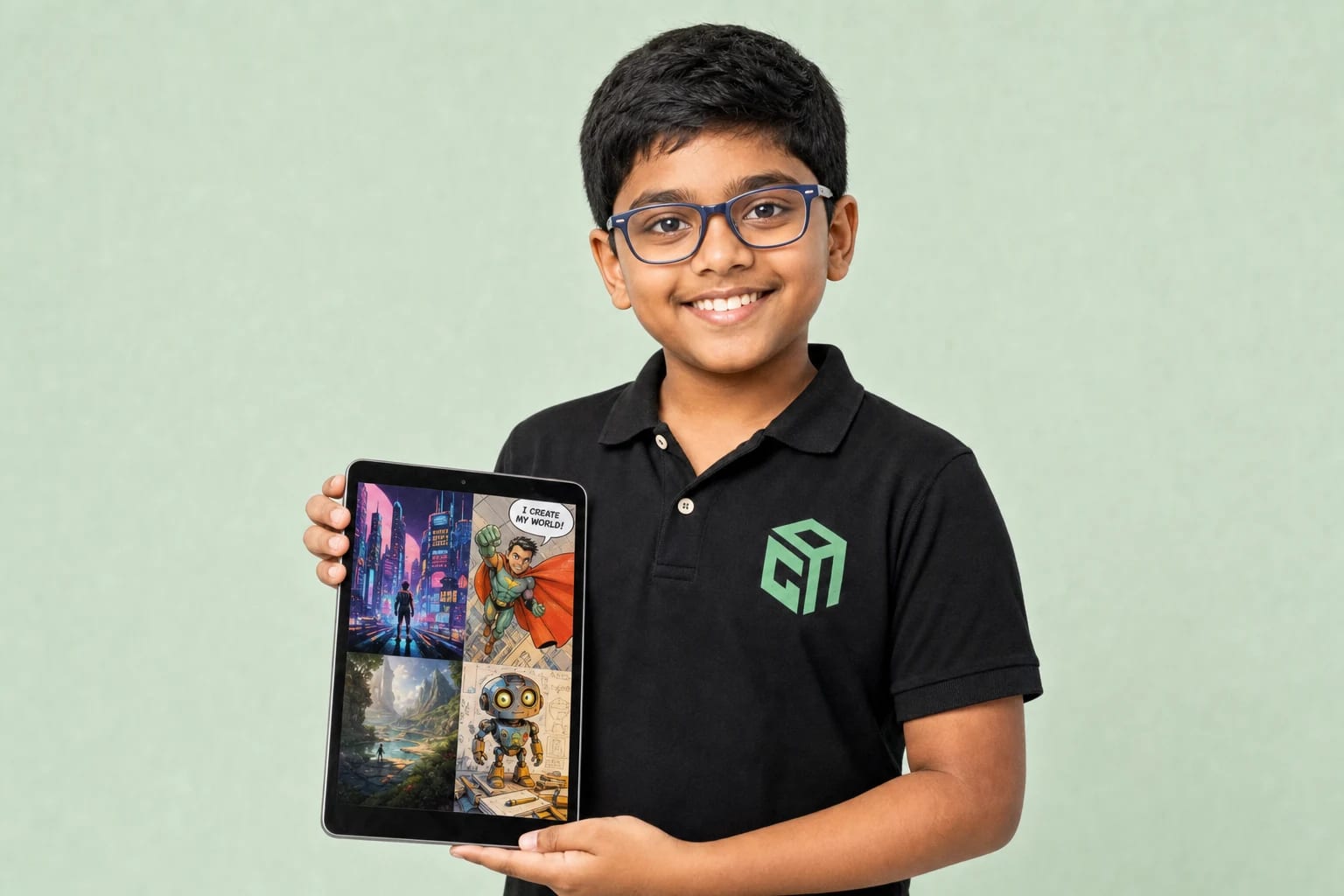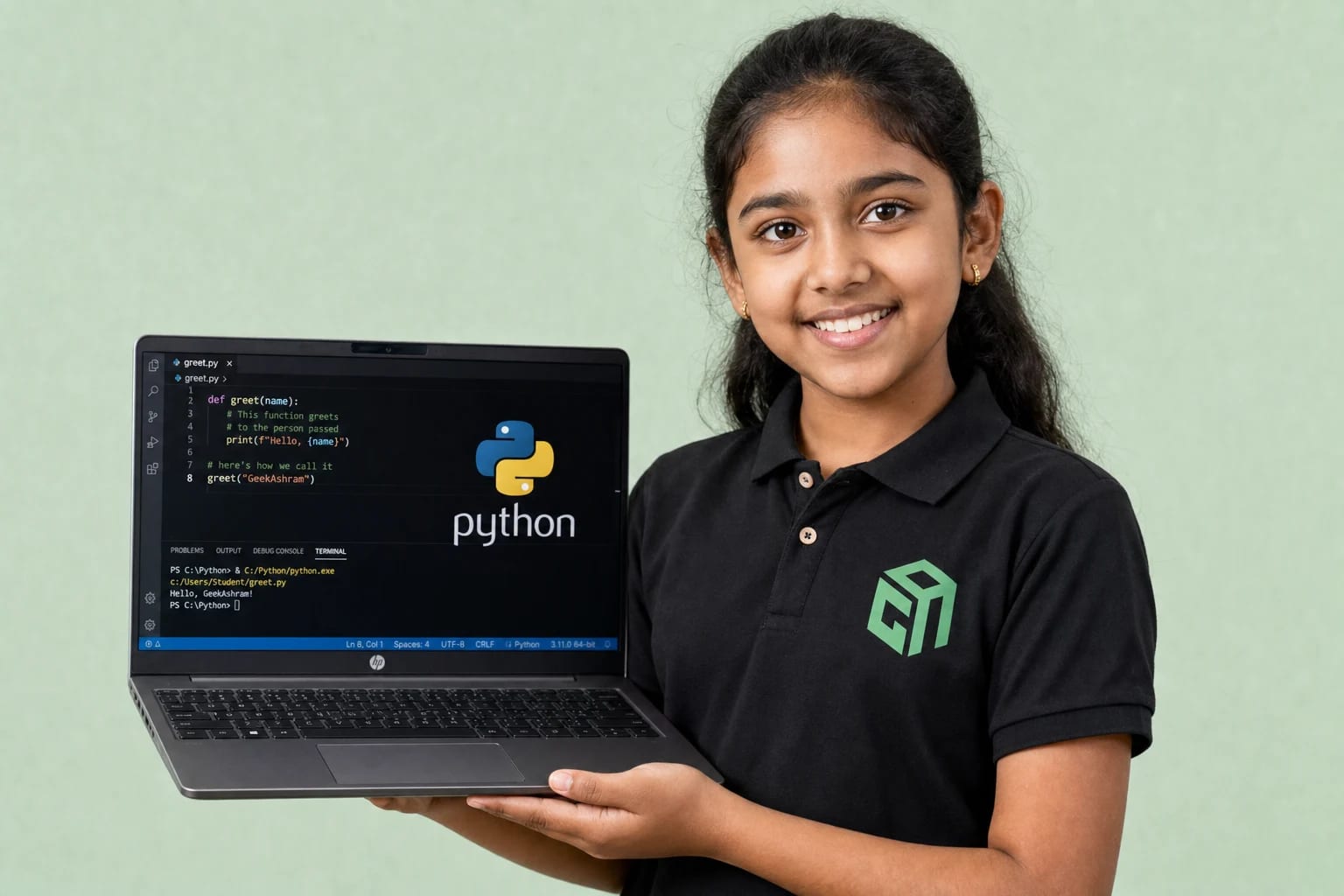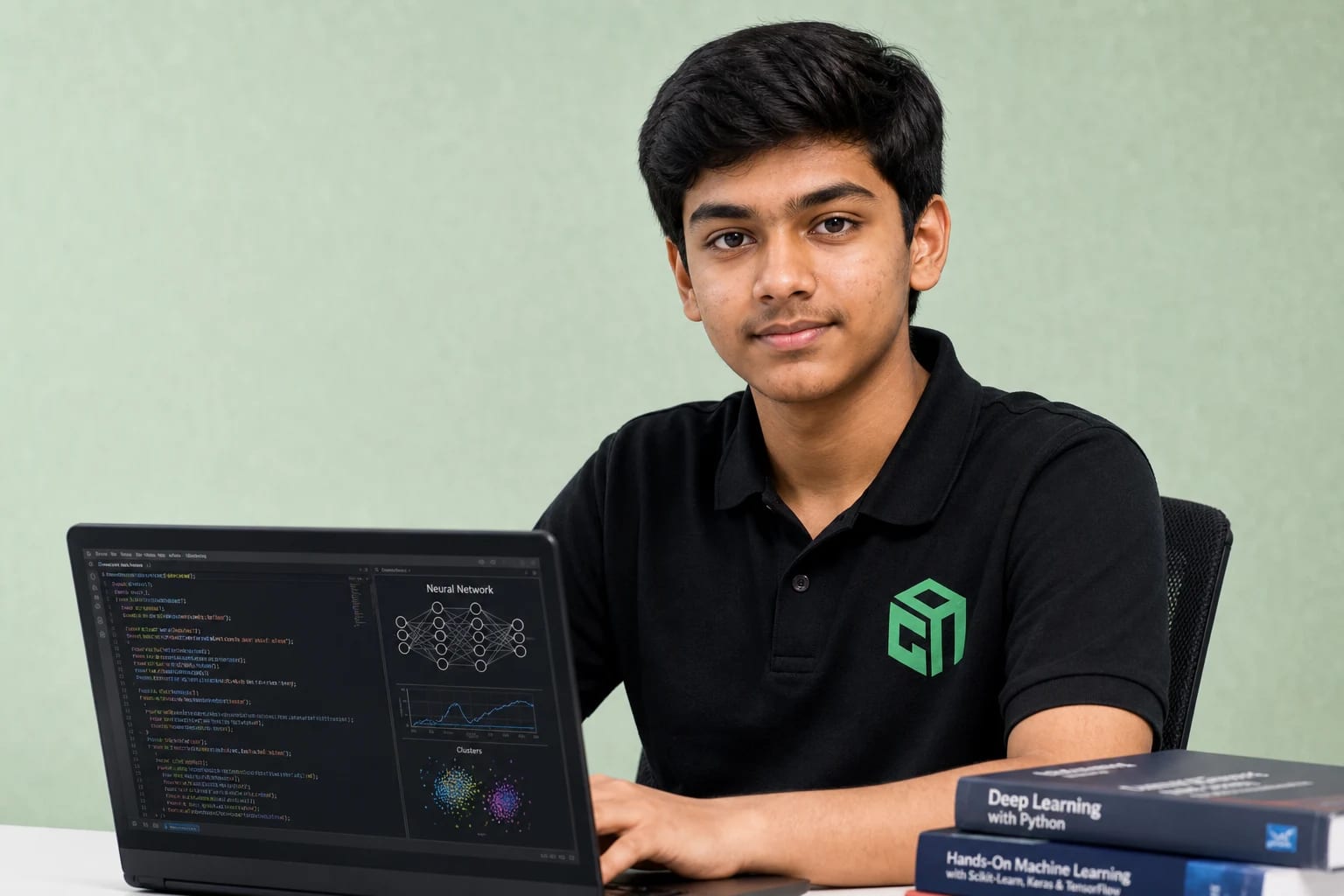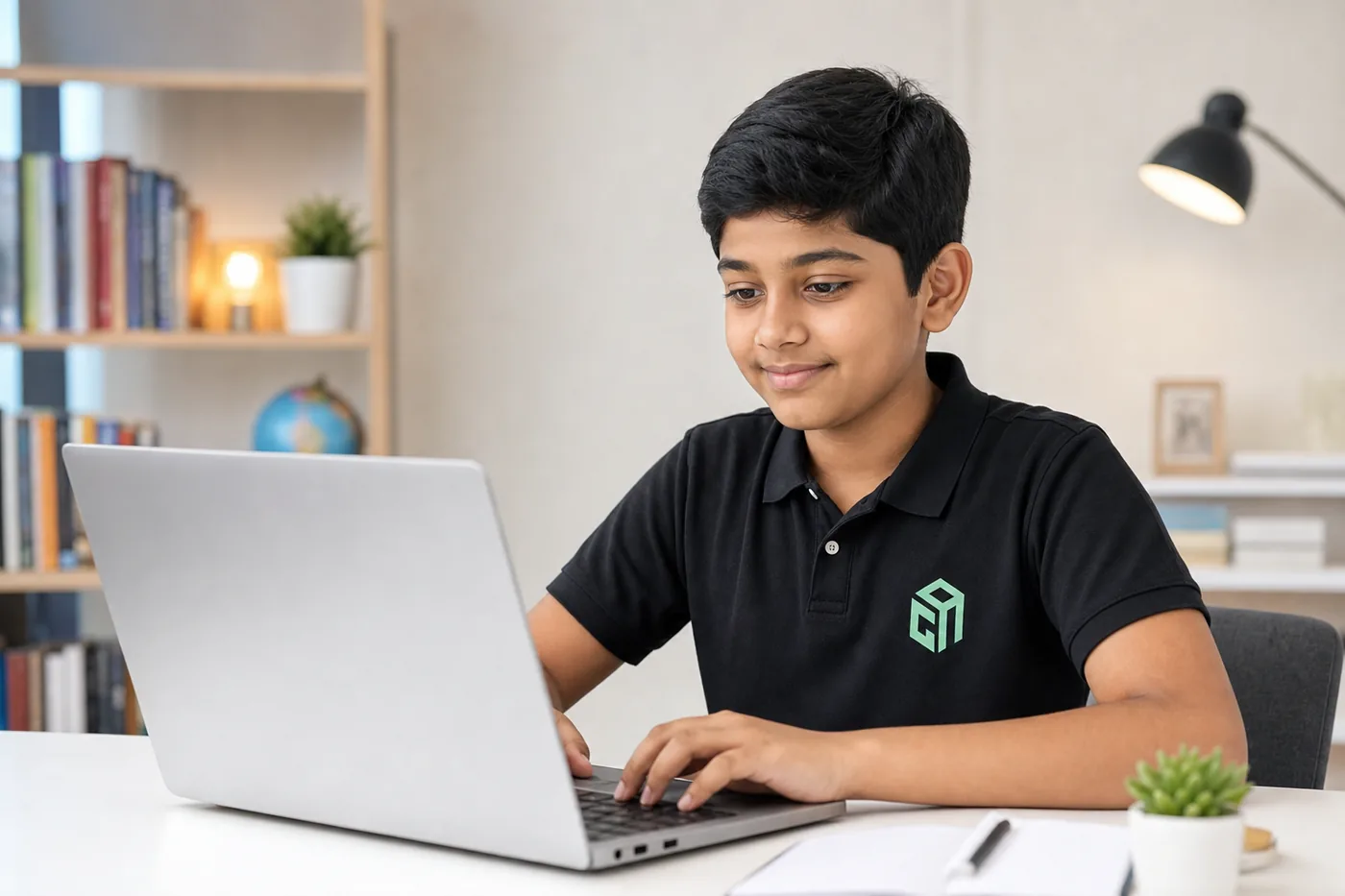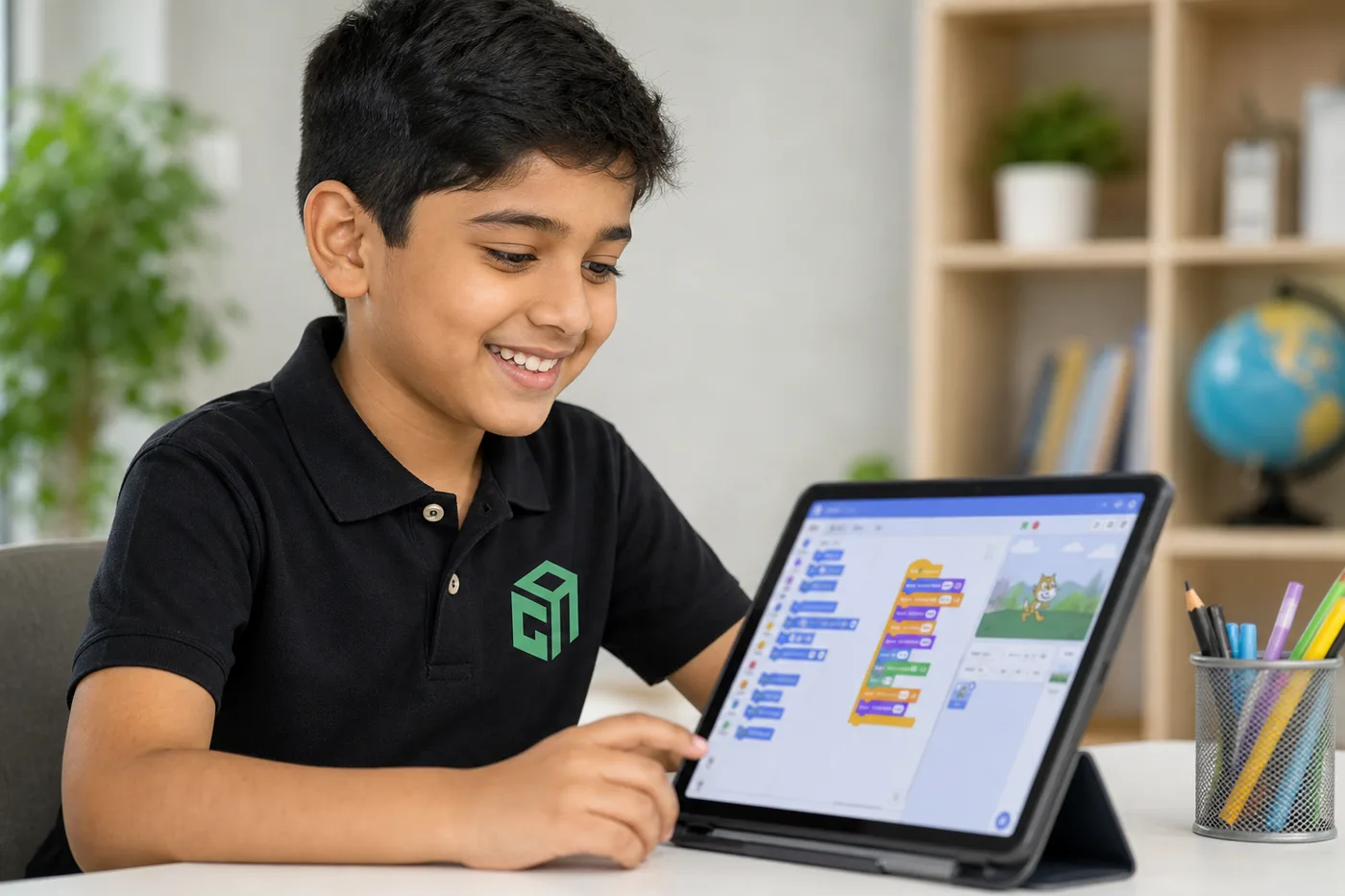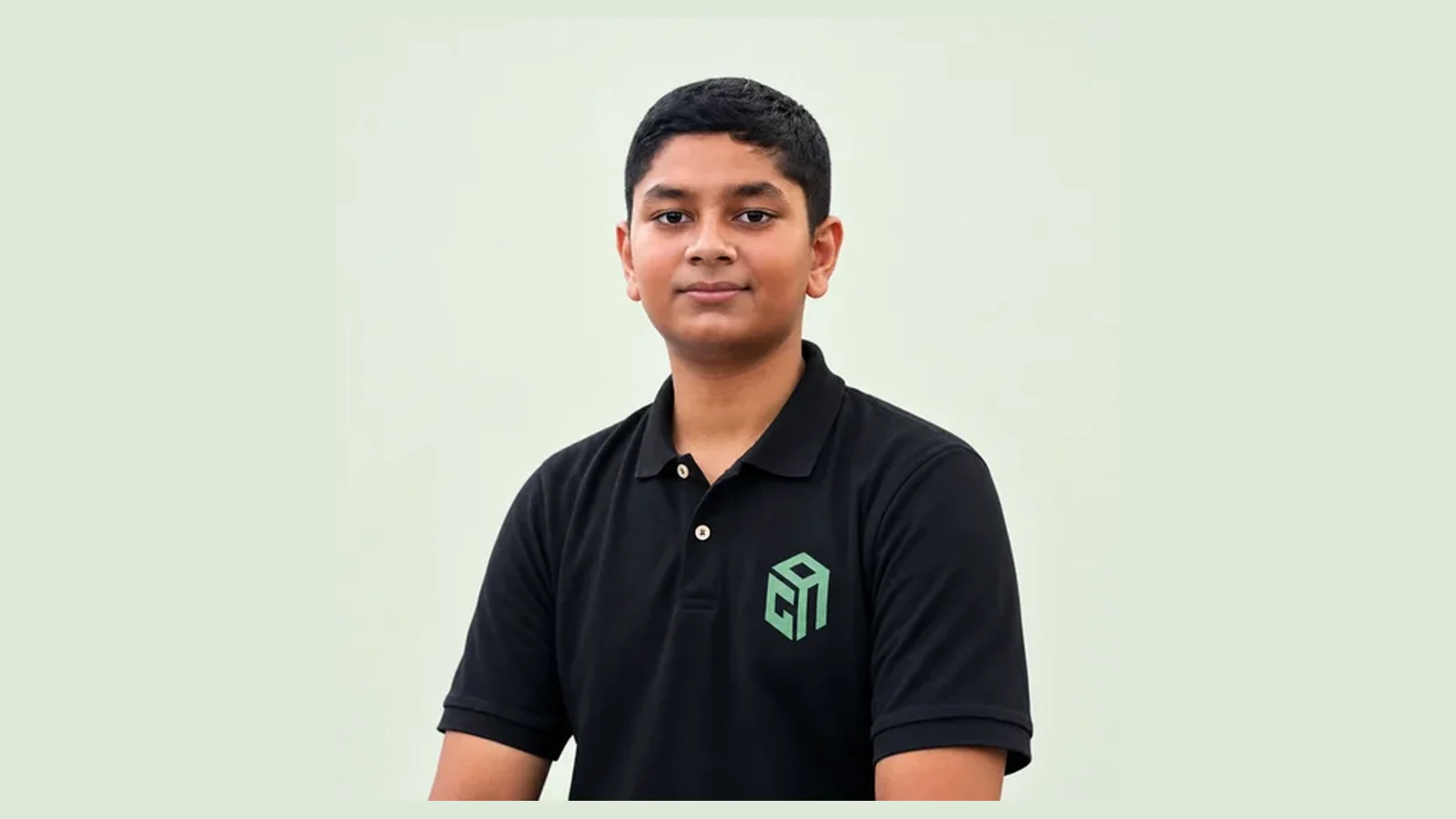
Yash Raj is in Class 8. A classmate can still open ChatGPT and copy the answer. Yash did not stop there. He first learned AI in Everyday Life. Then he learned Python with AI. Then he learned Entrepreneurship. Swati ma’am and Ankit sir taught him. Those three courses made him strong in tech. After that he built his own startup, ScholarNet, while he is still in school.
Hear him talk about AI in this video. He says, “AI won't replace you. But someone who knows how to use AI better than you might.” Hear what he says about learning at GeekashramJr in this testimonial. If your child is in Class 3–8, start where Yash started: the AI in Everyday Life syllabus. That is the course I recommend when a child must learn AI now, not later.
Knowing AI is a must for every student
This is not a hobby for a few tech kids. In 2026, AI is already in the homework chat, the next video, the picture tool, and the class project. Teachers use it. Classmates use it. A child who has never been shown how it works will copy. A child who has been taught will make something and explain it.
That is why I treat AI the way we treat reading. Every student needs it. Not so they can skip thinking. So they can use the tool and still think. For Class 3–8, the class I tell parents to book is AI in Everyday Life.
Yash is already building with what he learned
The order matters. AI in Everyday Life came first, so he could make stories, slides, and pictures and still explain them. Python with AI came next, so he could write code. Entrepreneurship came last, so he could turn that skill into a startup. He is still in Class 8, and ScholarNet is the startup he is building. Watch his video on AI and his GeekashramJr testimonial. A Class 3–8 student can start the same way, with AI in Everyday Life.
What this course teaches them to make
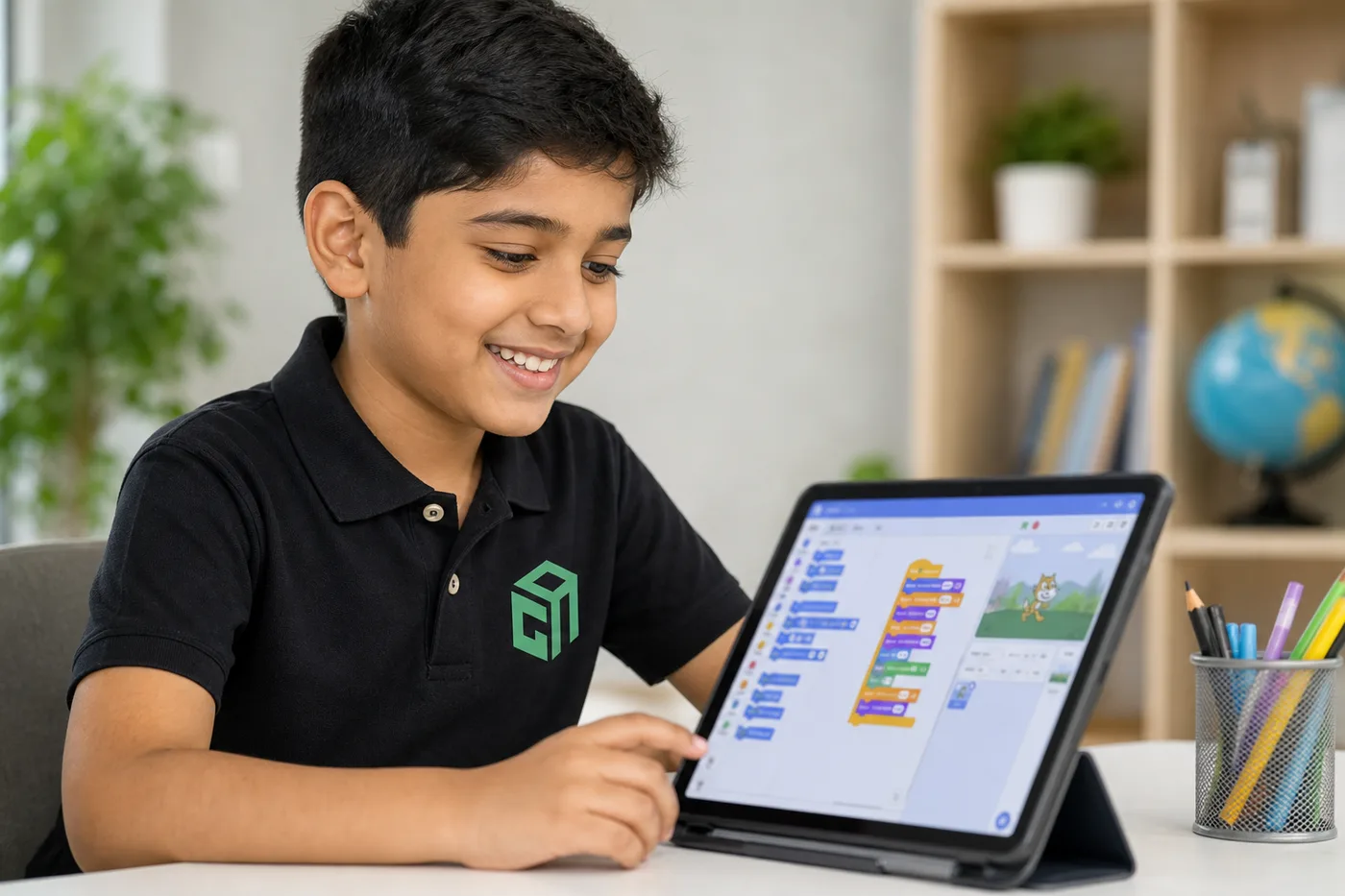
The course is 15 live sessions. A mentor is on the call. No coding is required to start. Children learn by making school work they can show you.
- Stories, scripts, and short videos. AI can offer a first line. The child writes the rest and can tell you what happens next.
- PPTs and presentations. AI can suggest slide titles. The child types the words and then speaks them. A neat slide they cannot explain does not count.
- Posters, comics, and art. They ask for a picture, spot what is wrong, and try again.
- Quizzes and practice. They make questions, answer on paper, and see what they missed before the test.
- A mini game, a simple website, and a small AI helper. They build it with the mentor, then show it.
Take a science chapter. The useful job is not a copied paragraph. It is four slides. Slide 1: what the chapter is, in the child’s words. Slide 2: the main picture. Slide 3: the one detail they must remember. Slide 4: one line they can say out loud. That is the kind of work this course repeats until it feels normal.
The 15 sessions, in plain words
Open the course syllabus and you will see four parts. This is what each one is for.
- AI basics. What AI can and cannot do, how to write a better prompt, and the safety rules. No full name, school, address, phone, or photo in the tool.
- Create with AI. Art, posters, comics, stories, scripts, presentations, and short videos.
- Build with AI. A mini game, a simple website, and a first look at a small AI helper.
- AI Fun Fair. They polish the best project, get feedback, and present it to family.
By the end, a Class 3–8 student has made real things and can say which part they made. That is the minimum I want for every child in this age group right now.
Who should join
Book AI in Everyday Life if your child is in Class 3–8. They need a laptop, a webcam, and steady internet. They do not need to know code. Younger children stay on stories, pictures, and slides with the mentor close. Class 6–8 add the game and the simple page.
If your child is in Class 8–12 and already comfortable with Python, the next course is Hands-on AI, LLMs & Python, which is 60 live sessions. If they are new to AI, start with these 15 sessions anyway. Knowing how to make a story and a PPT safely comes before the longer course.
Why a live class, not a free chat box
A free tool will write the paragraph. It will not stop your child from pasting it. In this course a mentor watches the screen. The rule is simple. Use AI to start a story, a poster, or a PPT. Then use your own words. If you cannot explain it, it is not finished.
- They learn that the computer is guessing, so a sure-sounding answer can still be wrong.
- They learn house rules before the project gets exciting.
- They leave with work you can click, read, or watch, not only a chat history.
How to start
Read the AI in Everyday Life syllabus tonight. You will see the four parts and the projects. If it matches your child, book the first class. The first 60-minute live session is ₹199. That fee is adjusted when you enrol, and you get a written learning plan after class. US families book the same session in dollars on the demo page.
Every student will use AI at school. The ones who only copy will struggle. The ones who can make a story, a PPT, a poster, and a small game, and explain them, will be fine. For Class 3–8, that is what these 15 sessions are for.