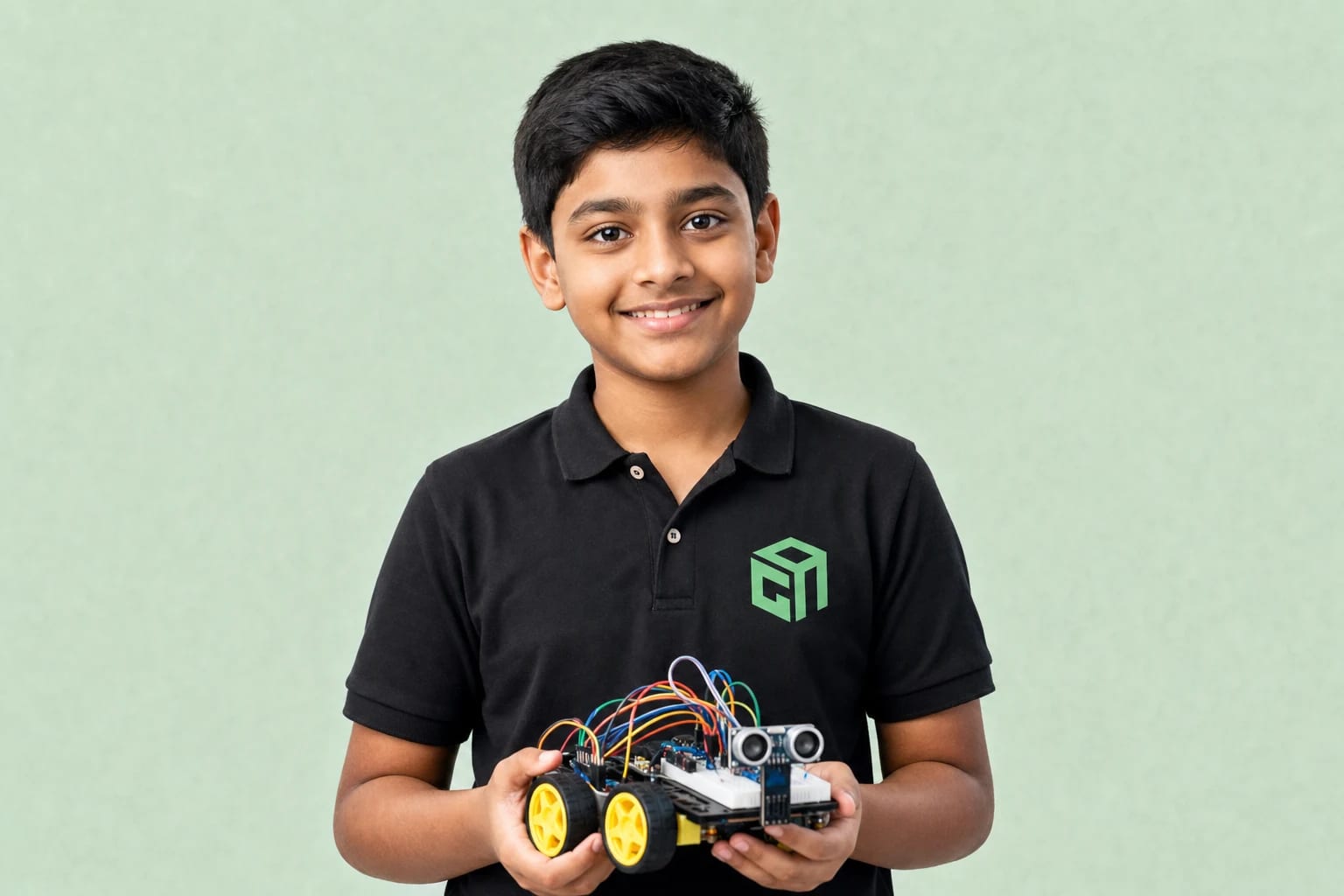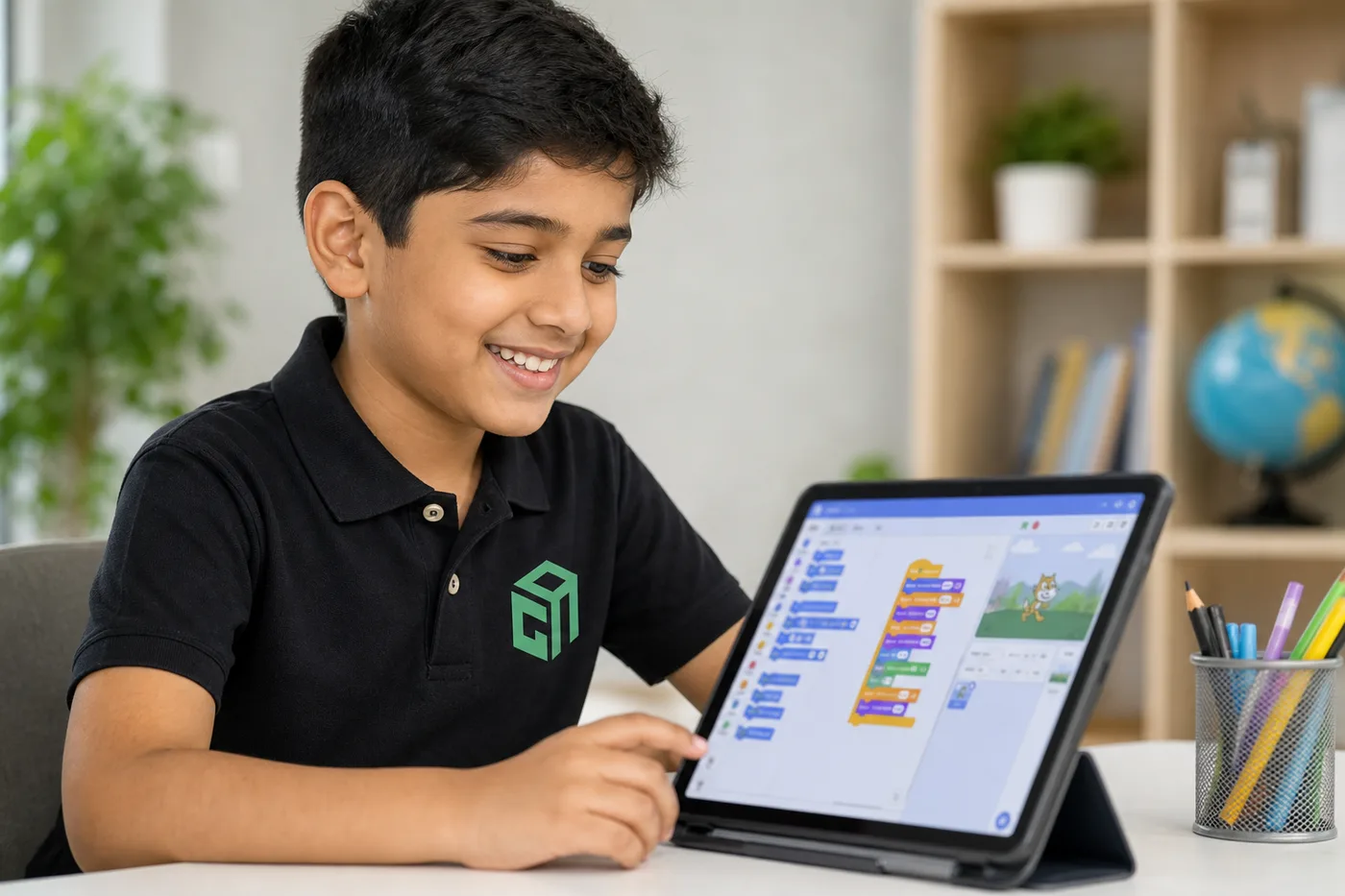
Arduino for beginners is simpler than it sounds. Arduino is a small board that lets kids connect sensors and motors, then write code so the hardware responds — blink an LED, sound a buzzer, or drive a robot. Parents do not need an engineering degree to support this journey.
What Kids Actually Do With Arduino
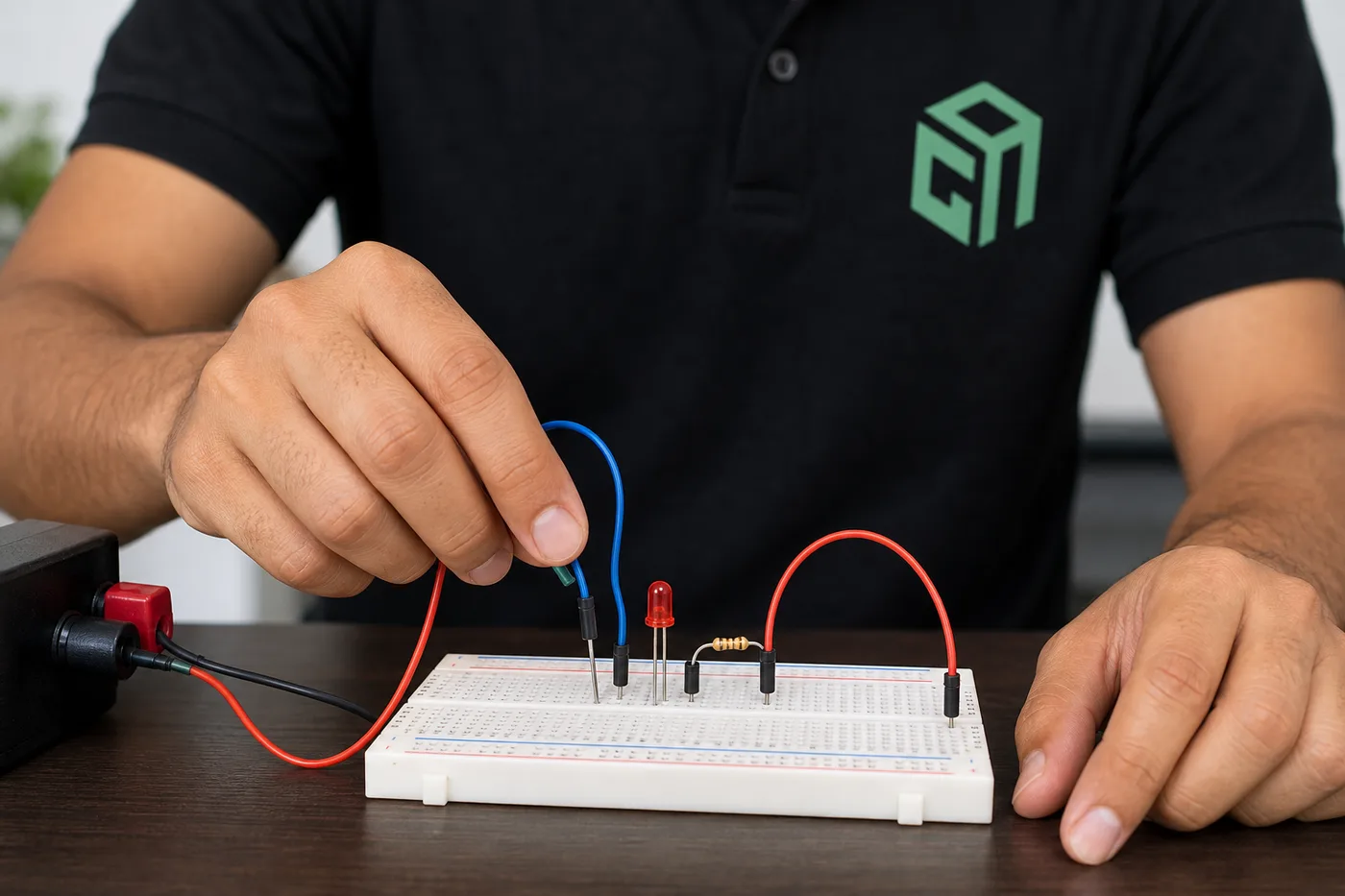
- Wire LEDs, buzzers, and buttons on a breadboard
- Read sensors like ultrasonic distance or light (LDR)
- Control motors for simple robot movement
- Upload short programs and debug with a mentor
What Parents Need at Home
- A laptop with USB port and stable internet for live class
- An age-appropriate starter kit (mentors help you choose)
- A clear desk space and adult supervision for younger kids
- Patience for first-week wiring mistakes — they are normal
Safety Basics (Keep It Simple)
- Use the recommended low-voltage kit only
- Power off before changing wires
- No household AC mains experiments
- Follow mentor kit guidance before buying extras
A Good Learning Order
Start with breadboard + LED + buzzer, then sensors, then motors, then Arduino robot projects like line-followers. That order matches how GeekashramJr teaches robotics live.
Book a local-currency 60-minute session (adjusted on enrolment) and we will recommend the right starting kit level for your child’s class.